
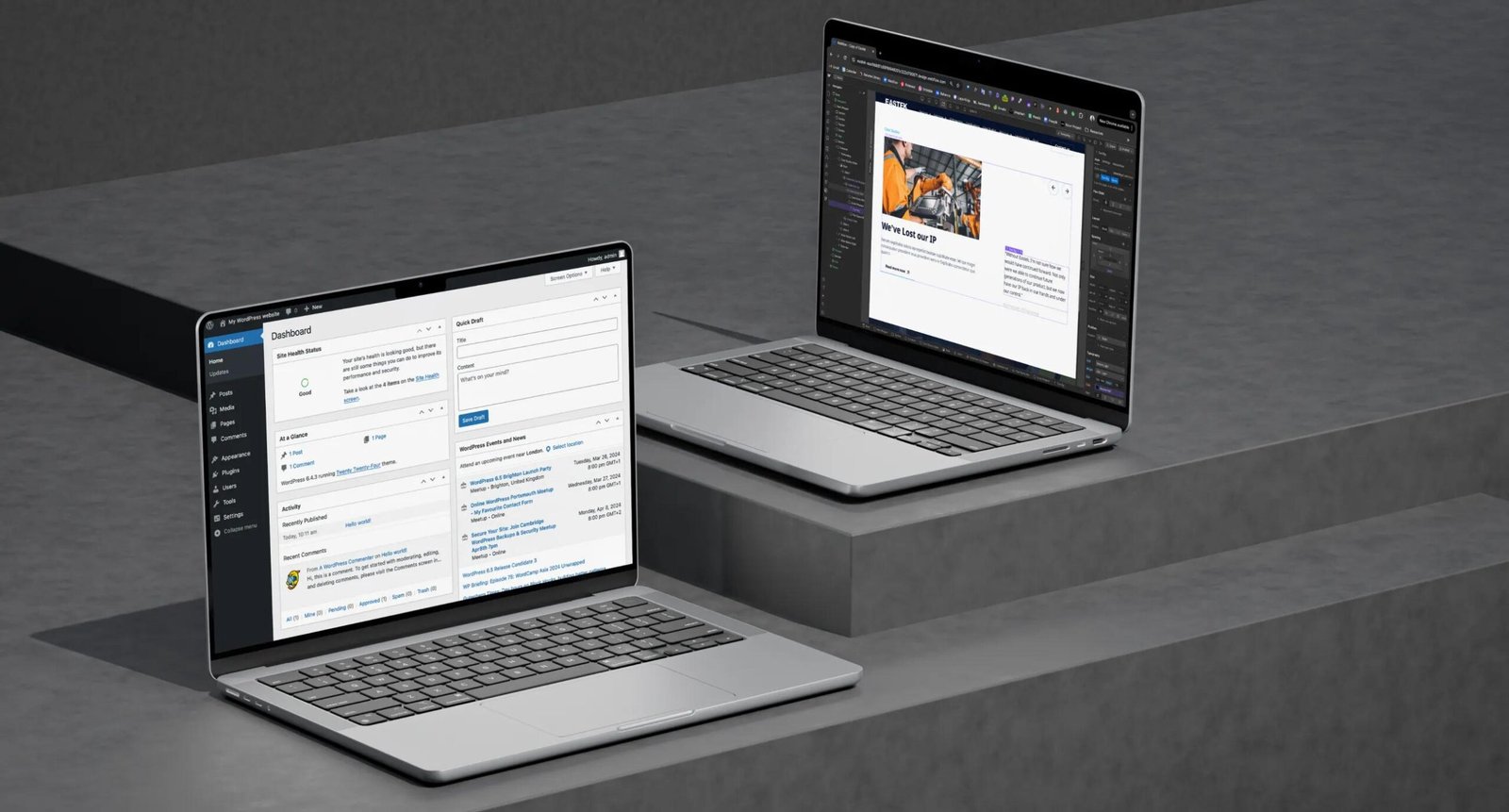
Choosing the right platform is an important part of planning a website.
WordPress and Webflow are both popular platforms for building modern websites, but they provide different approaches to website design, development, content management, and maintenance.
Understanding the differences can help businesses select an approach that fits their requirements.
What is WordPress?
WordPress is a content management system that can be used to build many types of websites.
It supports:
- Custom themes
- Plugins
- Page builders
- WooCommerce
- Custom development
- APIs
- Dynamic content
WordPress is particularly useful for businesses that need flexibility and extensive customization.
What is Webflow?
Webflow combines website design and development tools with a visual development environment.
It allows designers and developers to create responsive websites visually while providing control over HTML, CSS, layouts, interactions, and CMS content.
Webflow is commonly used for:
- Business websites
- Marketing websites
- Landing pages
- Portfolio websites
- Content websites
- CMS websites
Design Flexibility
Both platforms can support custom designs.
WordPress can use themes, page builders, custom CSS, JavaScript, and custom development.
Webflow provides a visual design environment where designers can work directly with layouts and styling.
The choice may depend on your team’s preferred workflow and design requirements.
Content Management
WordPress is well known for its content management capabilities and can support websites with large amounts of content.
Webflow also includes CMS functionality for managing structured content such as blog posts, projects, team members, and other collections.
eCommerce
WordPress can be extended into a powerful eCommerce platform using WooCommerce.
Shop functionality can include:
- Products
- Variations
- Cart
- Checkout
- Payments
- Shipping
- Customer accounts
Webflow also provides eCommerce capabilities, although businesses should review their specific store requirements before choosing a platform.
Maintenance
WordPress websites typically require ongoing management of:
- WordPress core
- Themes
- Plugins
- Hosting
- Security
- Backups
- Performance
Webflow provides a hosted environment, reducing some of the infrastructure management associated with self-hosted WordPress.
SEO
Both platforms can support SEO-friendly websites.
Important SEO factors include:
- Website structure
- Page titles
- Meta descriptions
- Content
- URLs
- Mobile responsiveness
- Performance
- Internal linking
The platform itself is only one part of an effective SEO strategy.
Which Platform Should You Choose?
Consider WordPress if your project requires:
- Extensive customization
- WooCommerce
- Large content management capabilities
- Custom plugins
- Third-party integrations
- Flexible development
Consider Webflow if your project requires:
- Visual website development
- Custom marketing websites
- Responsive design control
- Hosted website infrastructure
- CMS-based content
Final Thoughts
Both WordPress and Webflow can be effective website platforms. The best choice depends on your website goals, content requirements, functionality, design, integrations, and long-term plans.
WebApp Xperts works with both WordPress and Webflow to create responsive websites tailored to different business requirements.